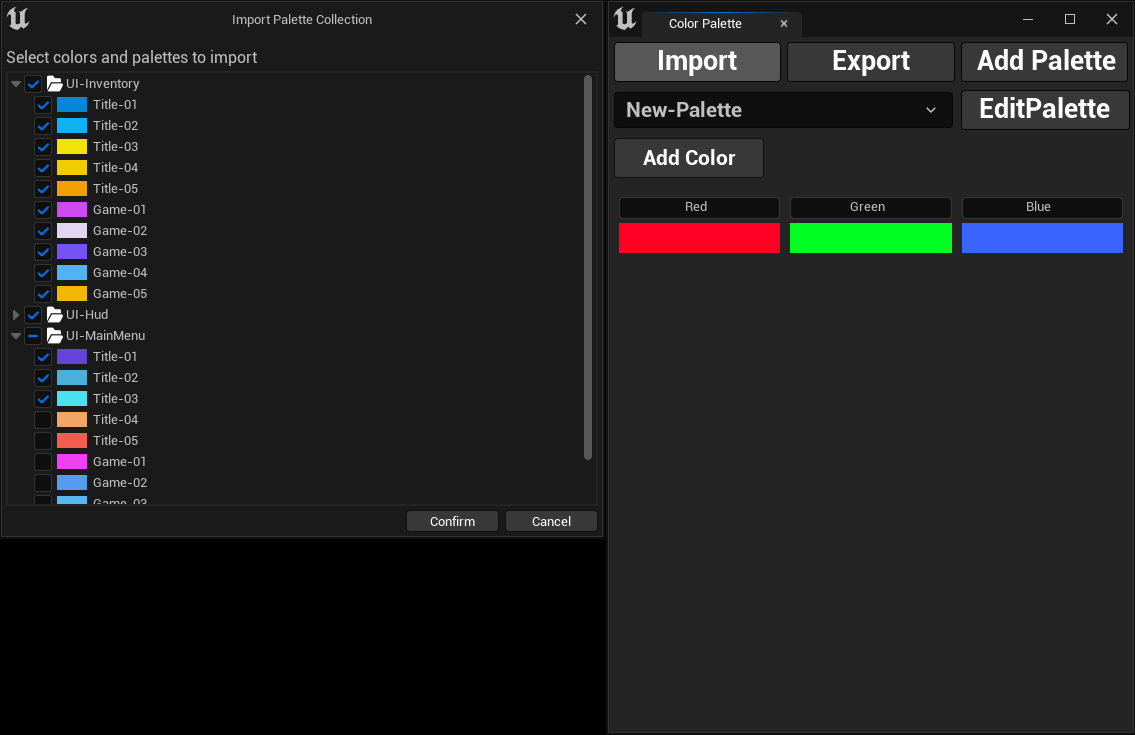
Import Color Palettes
Importing Color Palettes
Section titled “Importing Color Palettes”To import color palettes from other projects or team members, follow these steps:
- Click the
Importbutton. - A file dialog will open, allowing you to select the JSON file containing the color palettes.
- Once selected, a new dialog will appear where you can choose specific palettes and colors from the imported file.
- Click
Confirmto complete the import, and your selected palettes and colors will be added to your project.